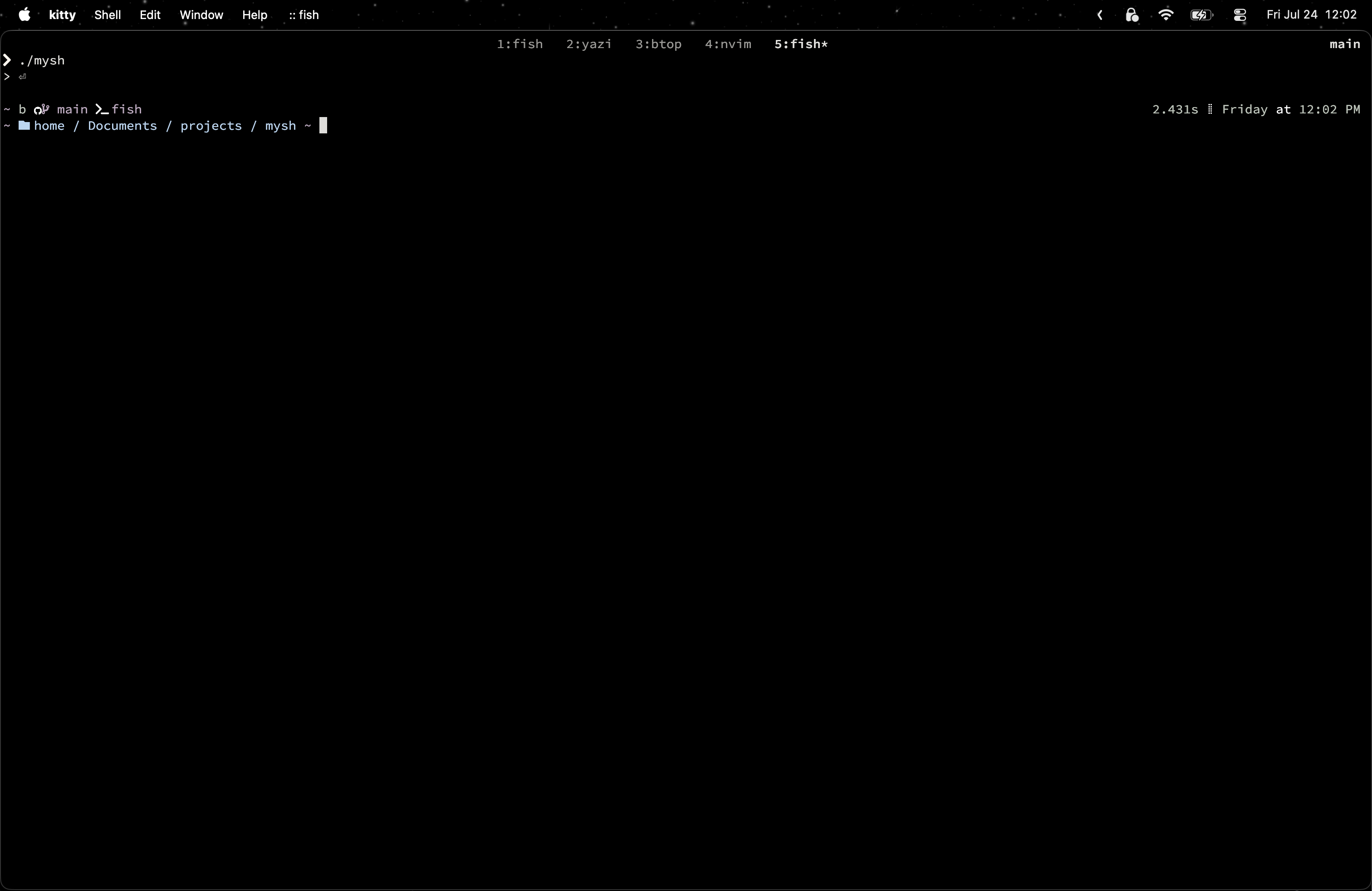
$ mysh
in progressThis project is my attempt to learn how a Unix shell actually works by writing one myself, in C, line by line.
Upon learning more about this, I realized that the shell doesn’t implement the commands itself. When you run ls, the shell doesn’t list the directory, it finds the existing binary program and executes it, and in this case its /bin/ls. So the entire project lives in the syscall boundary: fork, execvp, waitpid. Those are the parts I want to understand, and if you’re interested, you’re welcome to follow along! I will try to explain these in the best way I could.
I’m writing this as I go, so the bugs that I noted here are the ones that I encountered, not a constructed story.
1. Shell loop
The first thing that we need to talk about is the basic shell loop. For a normal shell, the thing that you see when starts up is ’> ’, and the first thing that comes to mind for a shell could be something like this:
while (true):
  print('> ')
  process_inputs()
Well this is a simplified version for the shell, but hey at least we have something up. For my first attempt in C, this is the one i wrote:
int main() {
  char cmdline[MAXLINE];
  while (1) {
    printf("> ");
    fgets(cmdline, MAXLINE, stdin);
    str_replace(cmdline, '\n', ' ');
    eval(cmdline);
  }
}
I used fgets rather than scanf because scanf stops at the first word, and I need the whole line since a command also comes with arguments. As for the str_replace I will explain why I did this in the latter parts.
Everything in the shell works fine until we hit Ctrl-d, which turns out like this:
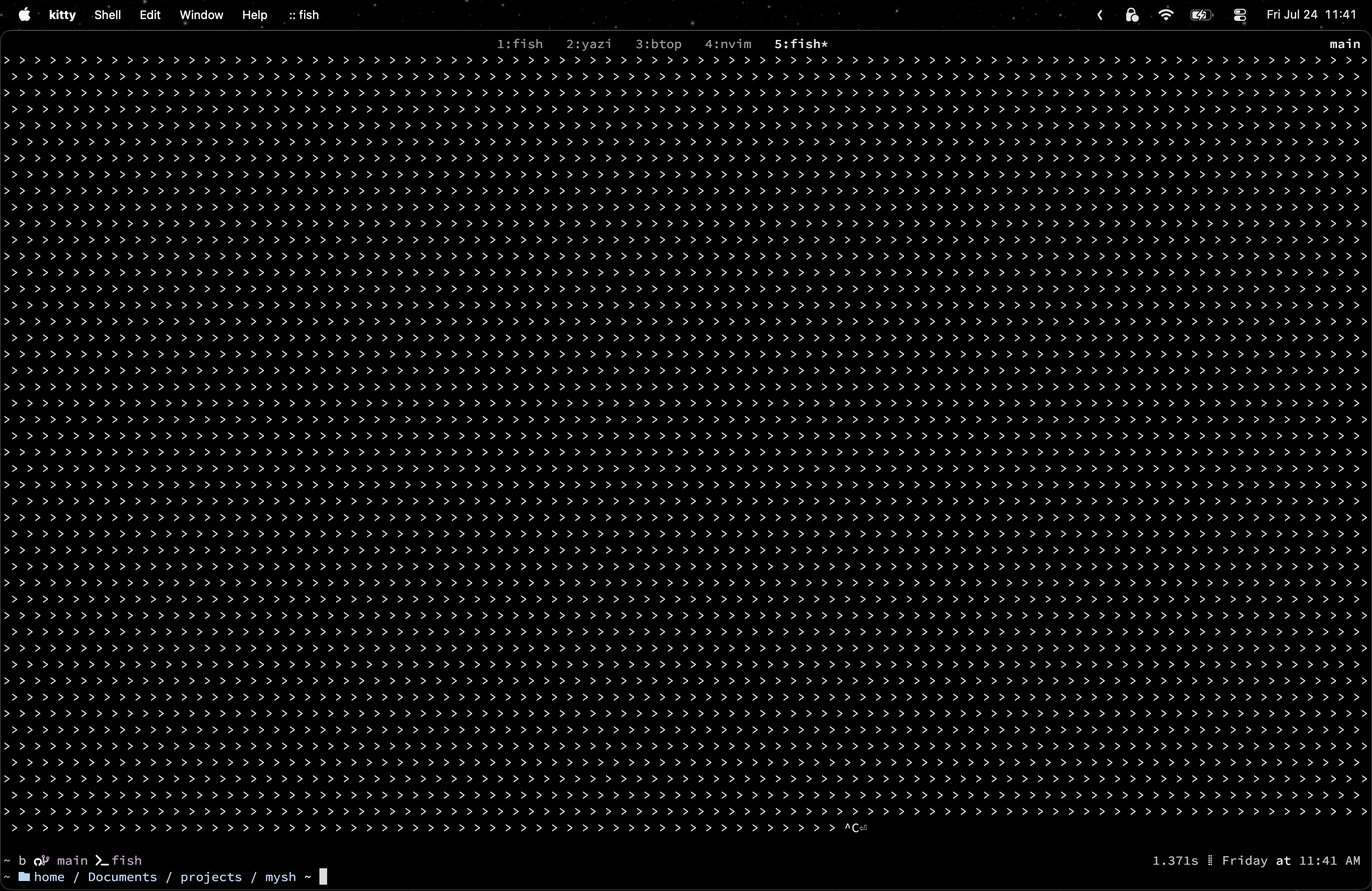
This can be explained that when we press Ctrl-d the terminal signals end-of-file (EOF) on stdin. Normally fgets blocks until you hit enter, and that blocking is what paces the loop: one prompt per command. At EOF there is nothing left to wait for and no possibility of more input ever arriving, so fgets returns NULL immediately, and keeps returning NULL immediately forever. Nothing blocks anymore, so the loop spins at full speed and you get the endless ’> ’ like the picture.
Hence, we would like to exit the shell whenever the Ctrl-d is pressed. To do that we can modify the loop by adding an if-statement:
int main() {
  char cmdline[MAXLINE];
  while (1) {
    printf("> ");
    if(fgets(cmdline, MAXLINE, stdin)==NULL)
      exit(0);
    str_replace(cmdline, '\n', ' ');
    eval(cmdline);
  }
}
Then voila, we have a working shell for now!